
SketchUp video tutorials
Follow practical Nice Tower video lessons on modeling, interior details, outdoor structures and visualization. Choose a topic that fits your current exercise.
Practical video lessons
Open the original Nice Tower lesson on YouTube. Availability and any membership requirements are shown by YouTube.
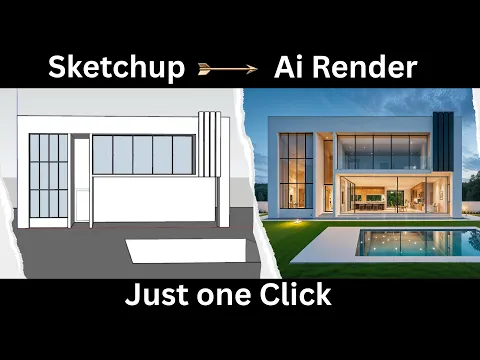
How I Used ReRender AI to Turn a SketchUp Screenshot into a Realistic Render
Practice task: use a saved SketchUp view as your reference and compare the rendered result with the original openings and proportions. Continue with the V-Ray guide for a separate visualization workflow.
Watch on YouTube ↗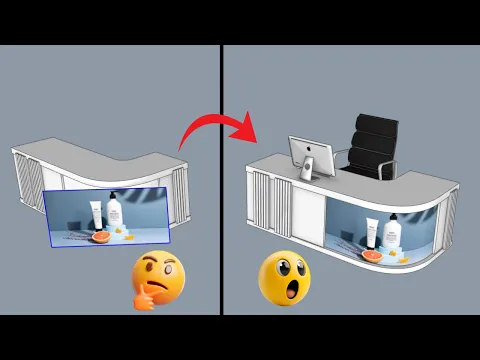
How To Put Textures On Curved Surfaces Super Easily!
Practice task: test a clearly patterned texture on one curved surface. Inspect seams and direction from multiple views before applying the same material across your room.
Watch on YouTube ↗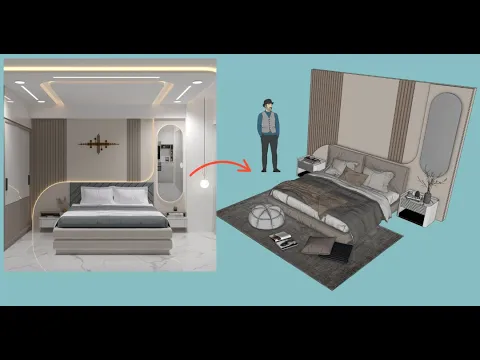
How To Make a Cool Bedroom Wall in Minutes!
Practice task: reproduce one bedroom wall detail in a clean file, then vary its dimensions and compare an elevation with a room view.
Watch on YouTube ↗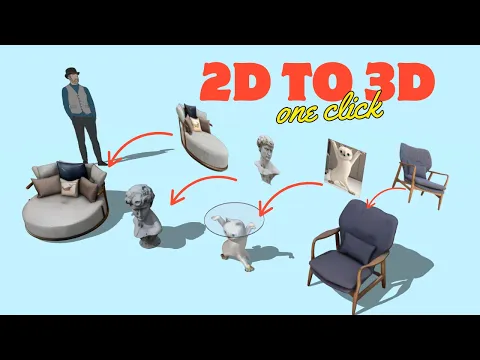
This AI Makes 3D Models From Photos So Easy!
Practice task: inspect the generated object from all sides and compare it with the reference image. Check scale and geometry before using it in a larger exercise.
Watch on YouTube ↗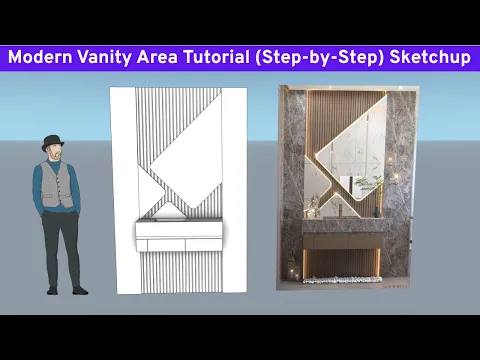
SketchUp Design: Modern Vanity Area Tutorial (Step-by-Step)
Practice task: build a small vanity layout and compare the shelf, mirror and seating positions. Use the bedroom collection to explore alternative wall compositions.
Watch on YouTube ↗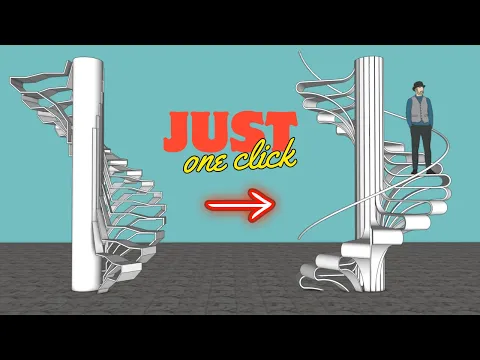
Modeling a Stylish Staircase in SketchUp: Easy Tutorial
Practice task: compare the stair in plan and elevation. Measure the modeled rise, run and landing before adapting the form to your conceptual room.
Watch on YouTube ↗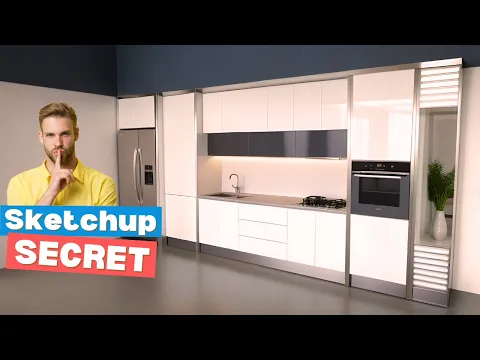
SketchUp Secret: Move ANY Kitchen Sink with Ease!
Practice task: keep a copy of the original kitchen geometry before repositioning the sink. Inspect the surrounding counter opening and alignment after the change.
Watch on YouTube ↗
How to design a modern pergola in SketchUp like a pro
Practice task: study one pergola bay and the repetition of posts and overhead members. Compare your result with a simple outdoor seating layout.
Watch on YouTube ↗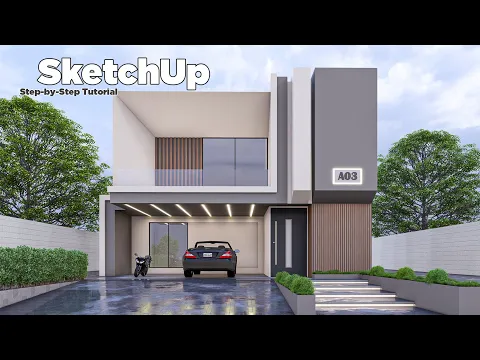
SketchUp Tutorial | Step by Step For Beginner | Modern Villa | nice tower
Practice task: model a simple villa shell first, then add openings and materials in separate stages. Save intermediate views so you can review each change.
Watch on YouTube ↗Continue exploring
Turn a video lesson into a repeatable exercise
Choose a lesson that demonstrates the object or technique you are practicing. Watch the opening steps before starting so you know what the finished exercise requires. Prepare a small working file, check units and save it before following the modeling sequence.
Learn the operation, then adapt the result
Pause at changes in geometry and inspect the model from another view. Check why a part is grouped, how repeated components are arranged and where materials are assigned. Reproduce the important operation first, then try different dimensions or a simpler shape to see whether you understand the process.
Check lesson availability on YouTube
The cards open the original video on YouTube. YouTube controls availability, playback and any channel membership requirements. If a lesson requires membership, choose another accessible lesson rather than expecting the site to bypass that requirement. Software interfaces may also differ from the version shown in the recording.
Review your own file
After the exercise, inspect the geometry, dimensions and component organization. Remove unnecessary temporary objects and save a new version. A matching screenshot is useful, but an editable file with clear structure is a better indication that you can repeat the technique.
Use the SketchUp guide for organization and the V-Ray guide for scene visualization. When practicing with a downloaded asset, follow the personal and educational usage policy.