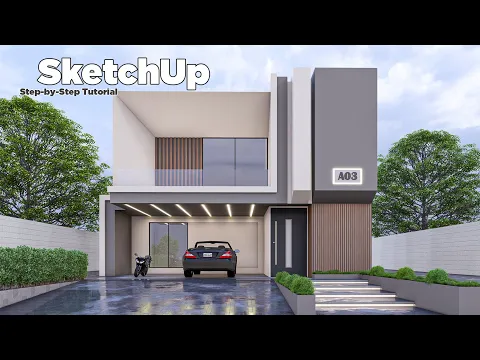
SketchUp models and practical design tutorials
Explore downloadable SketchUp resources and practical Nice Tower lessons. Find a collection, follow a tutorial and develop your own modeling skills.
- 18model study pages
- SKP2018-format files
- Learnfull lessons & Shorts
Start with a complete modeling lesson
Explore five views of each model, follow the demonstrated workflow and download the SketchUp 2018+ file for personal and educational practice.
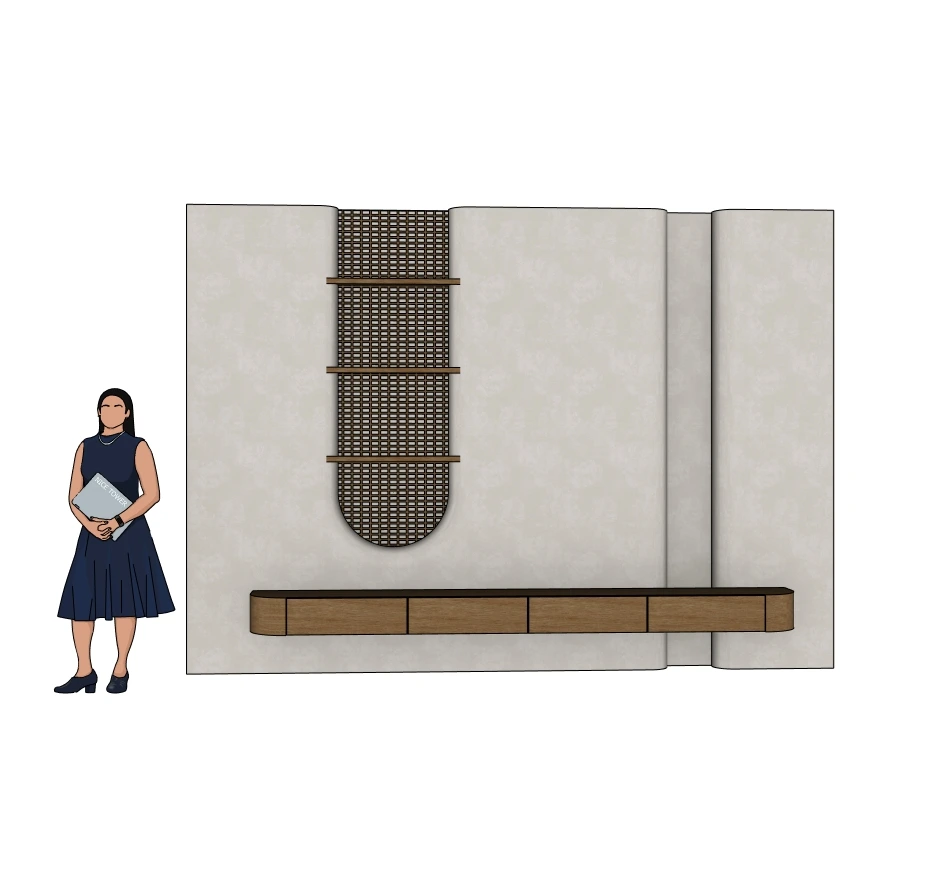
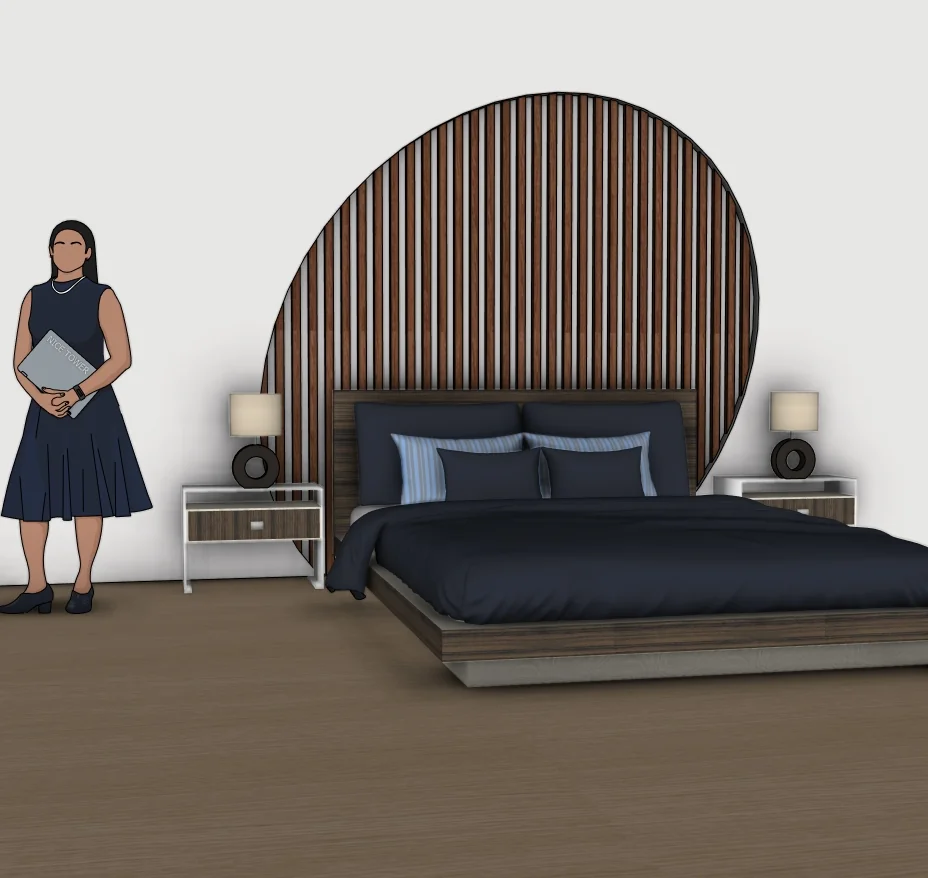
Modern TV Wall
Practise curved panels, a lattice screen, floating storage and repeated shelf components. SKP · 4.69 MB.
View model & tutorial →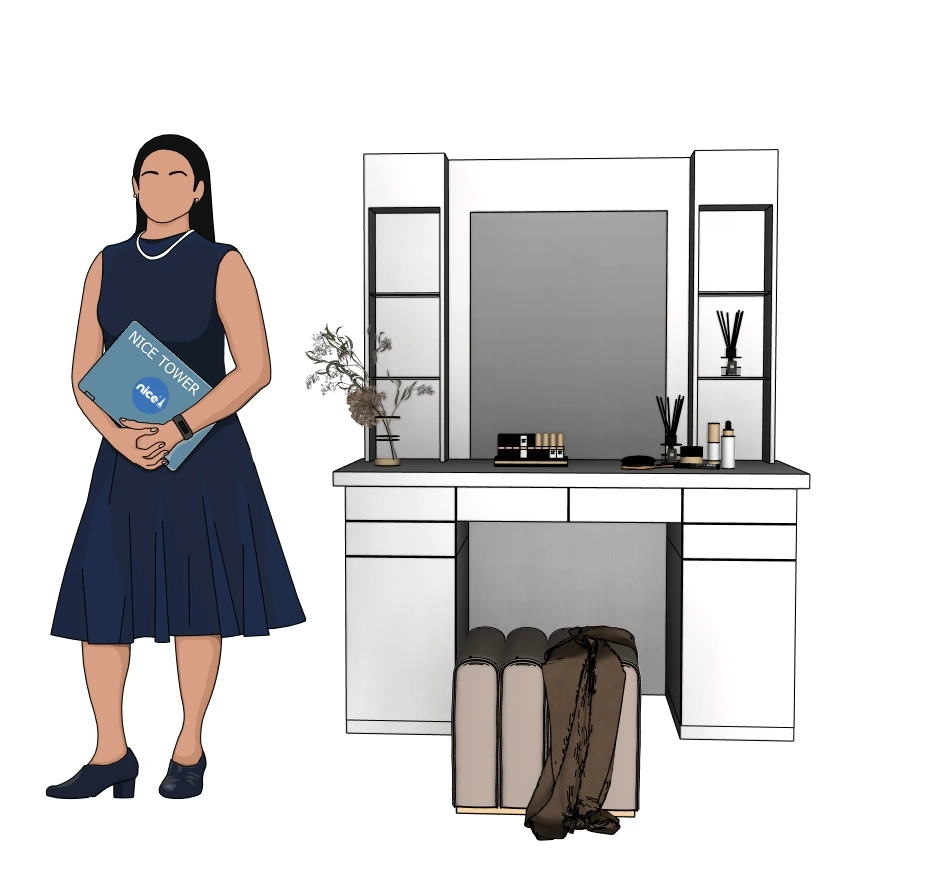
Vanity Table
Study shared drawer components, side shelves and a framed mirror. SKP · 86.91 MB.
View model & tutorial →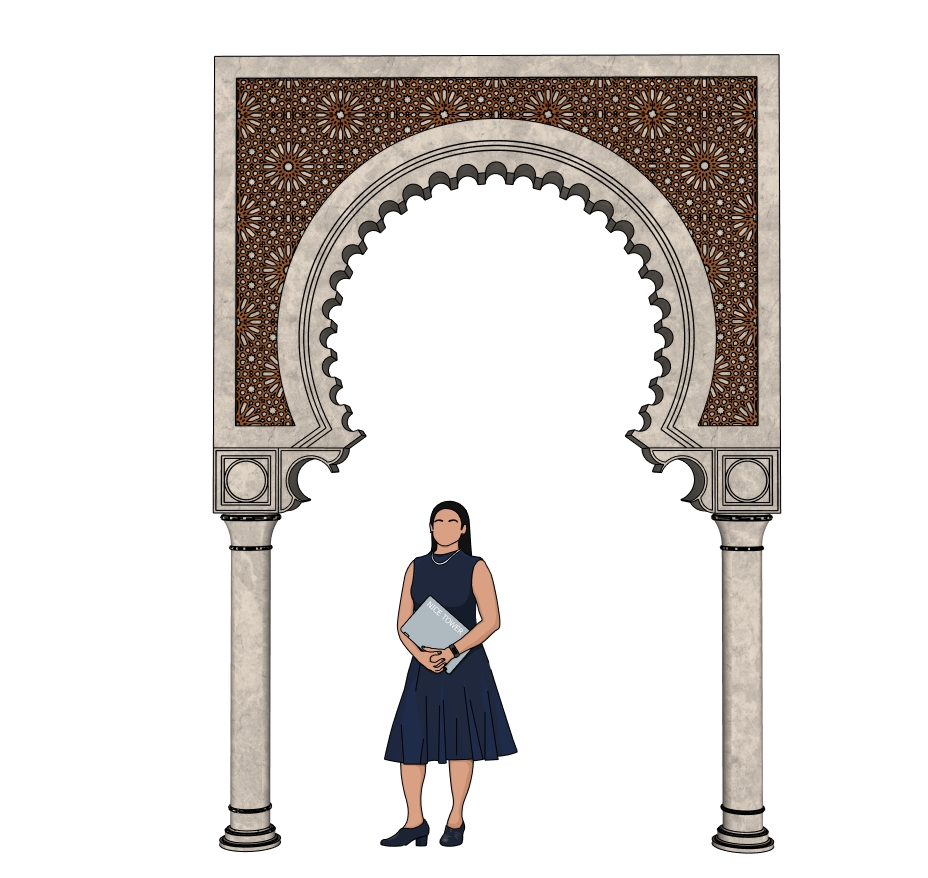
Moorish Horseshoe Arch
Practise column profiles, ornamental arch layers and panel trimming. SKP · 34.62 MB.
View model & tutorial →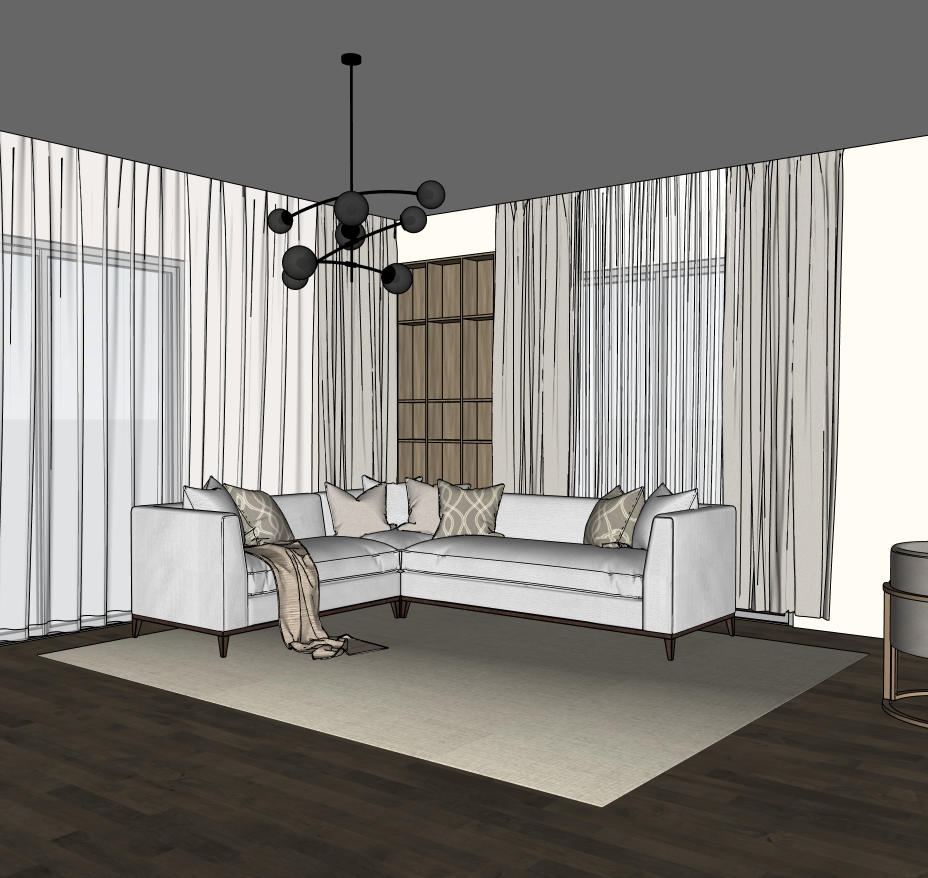
Living Room
Follow the Part 2 workflow for a TV wall, built-in bookshelf and round dining table. SKP · 152.96 MB.
View model & tutorial →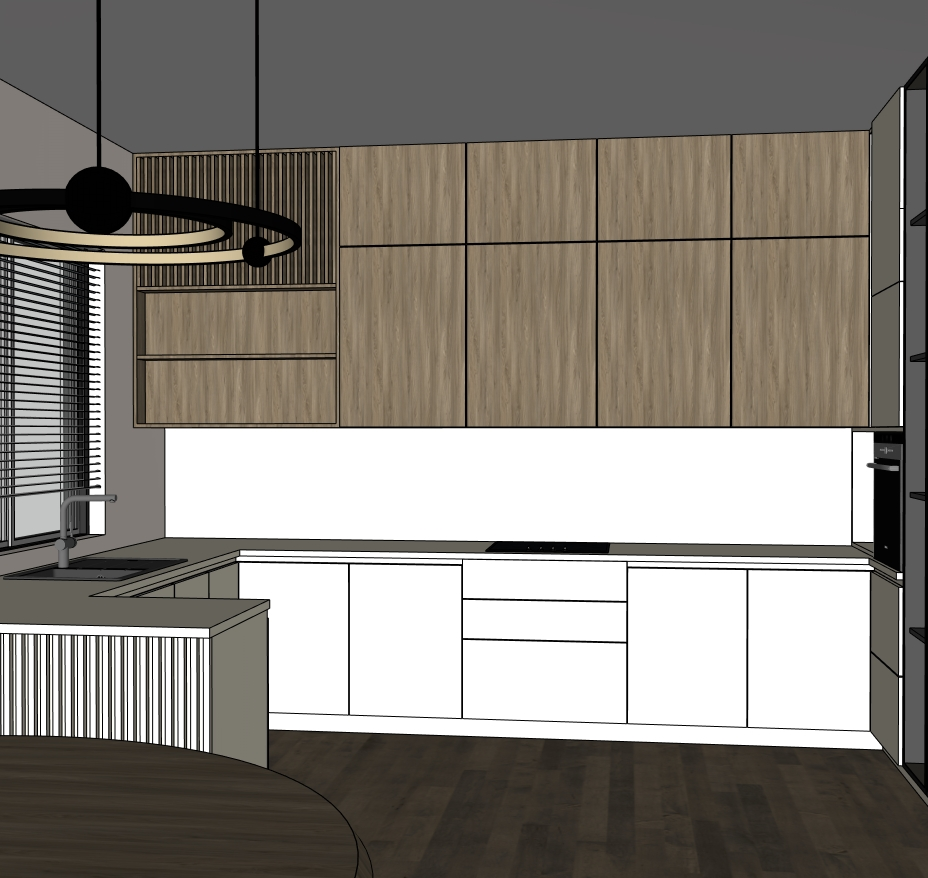
Kitchen
Study cabinet volumes, appliance openings, repeated fronts and vertical louvers. SKP · 152.91 MB.
View model & tutorial →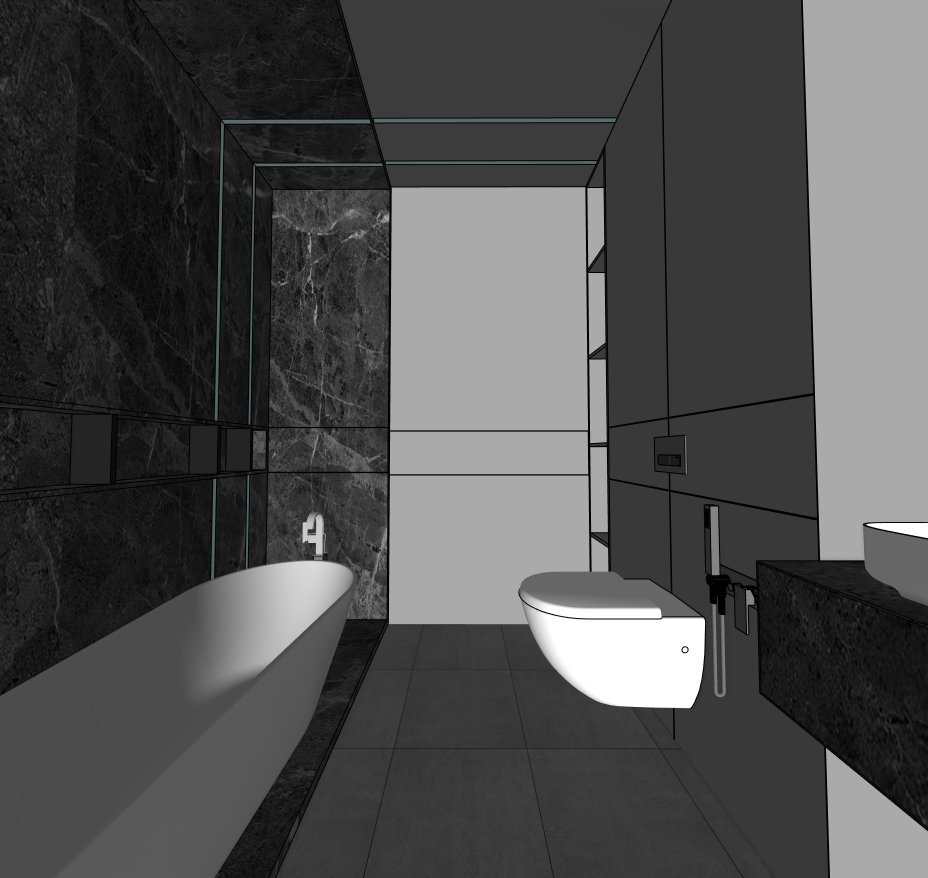
Bathroom
Practise section planes, wall details, mirror and vanity storage in a compact interior. SKP · 14.81 MB.
View model & tutorial →Explore the latest model studies
Explore furniture, decorative details and outdoor forms. These pages include model previews and SKP downloads, with file details and related Shorts where available.
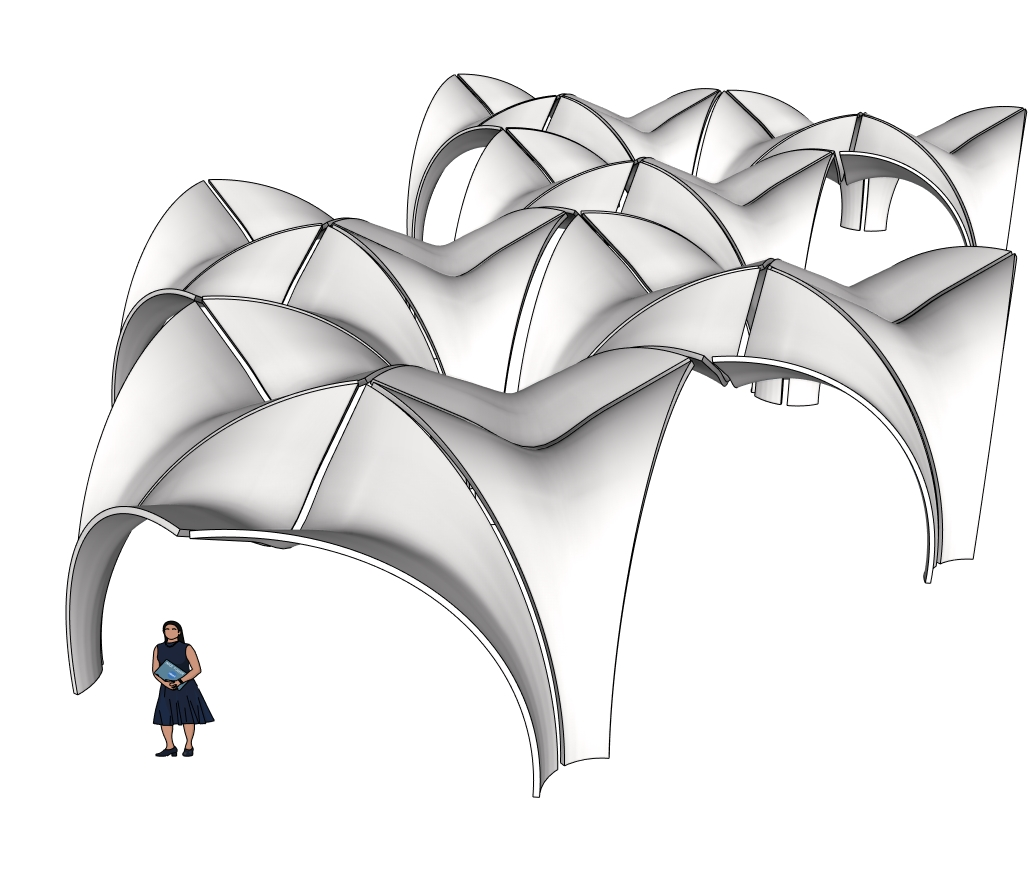
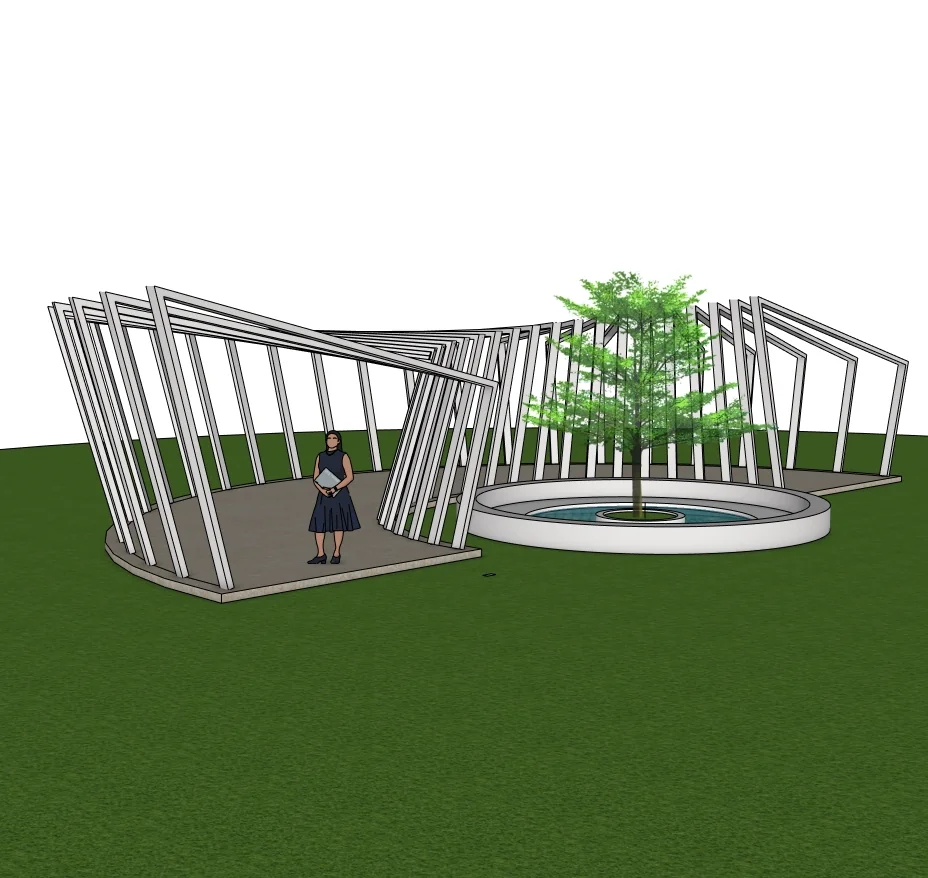
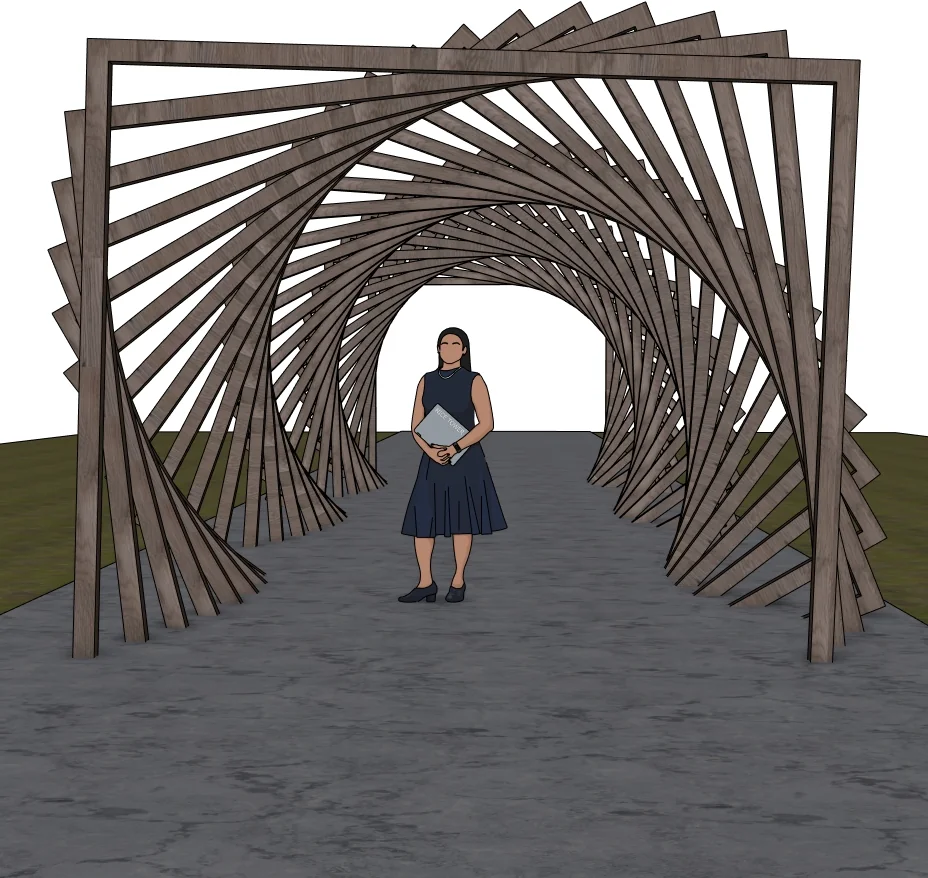
Confluence Park Pavilion
Curved shell architecture · Four model views · Curviloft and JointPushPull tutorial
View model & tutorial →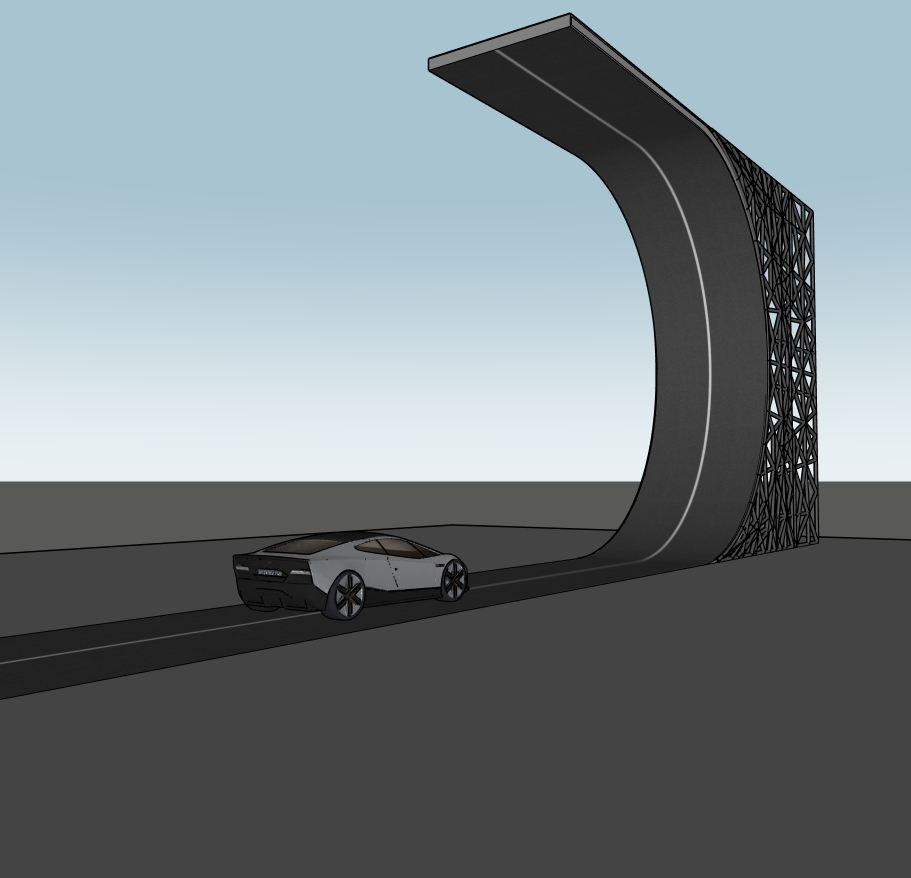
Tesla Roadster & Curved Ramp
Concept scene · SKP download · Four previews & two Shorts
View model & download →
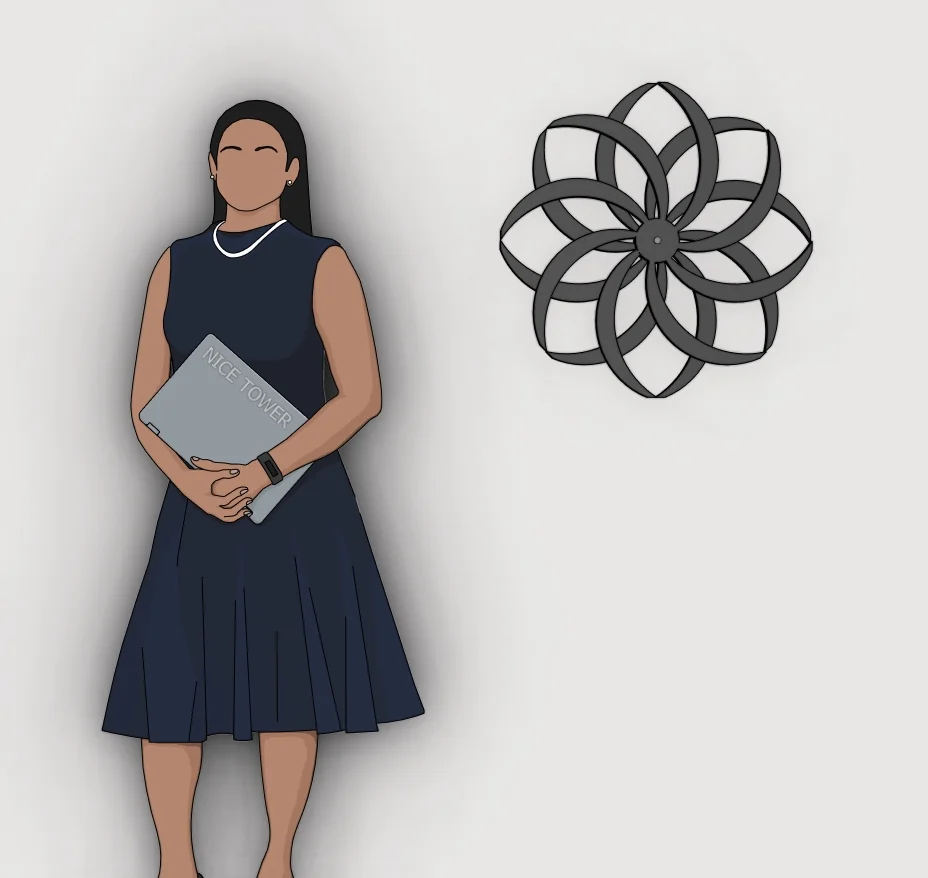
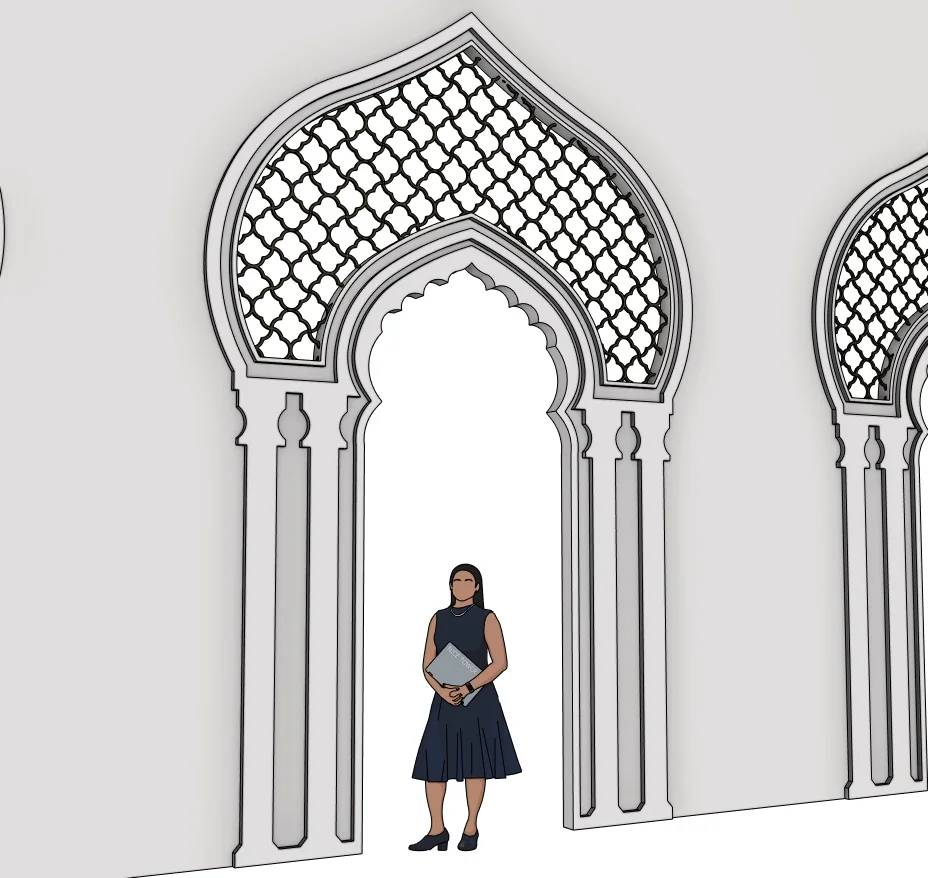
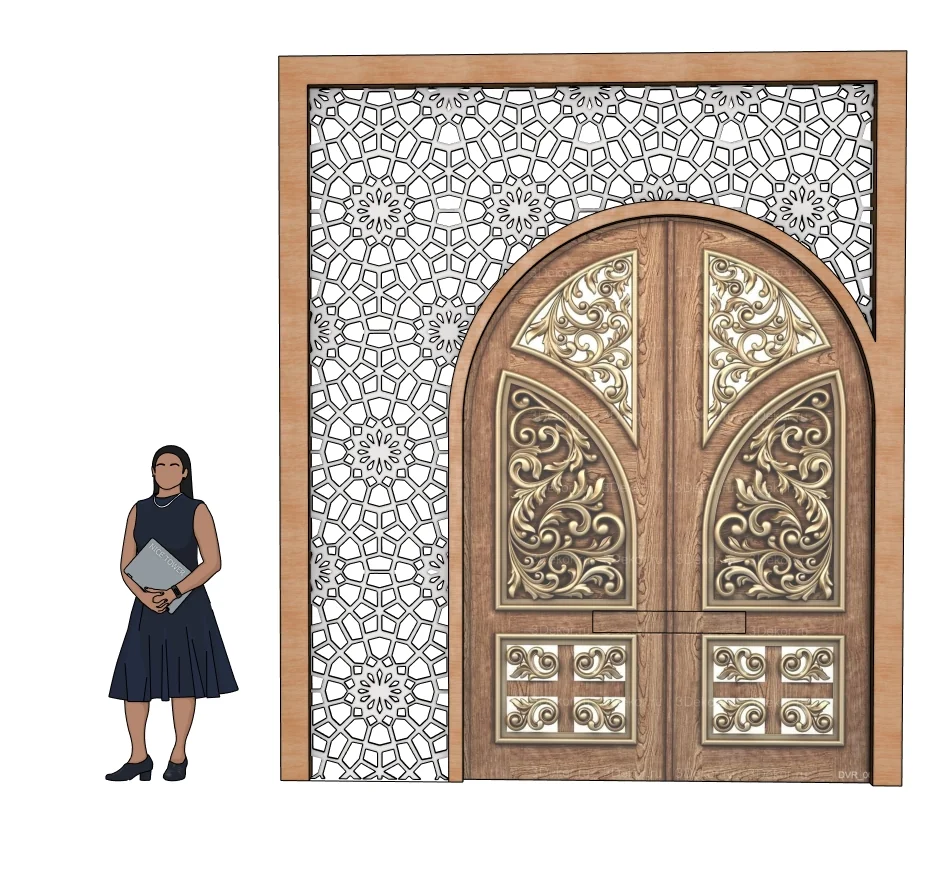
Islamic Decorative Arch
Architectural details · SKP · 51.03 MiB · Matching Short
View model & download →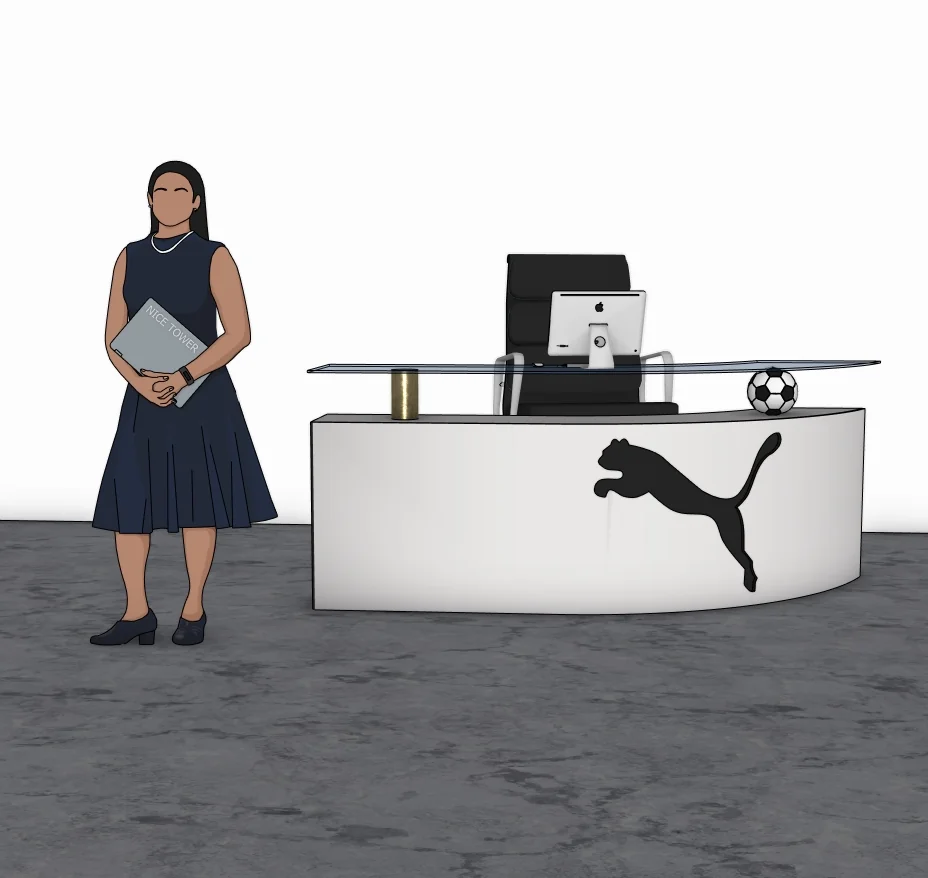
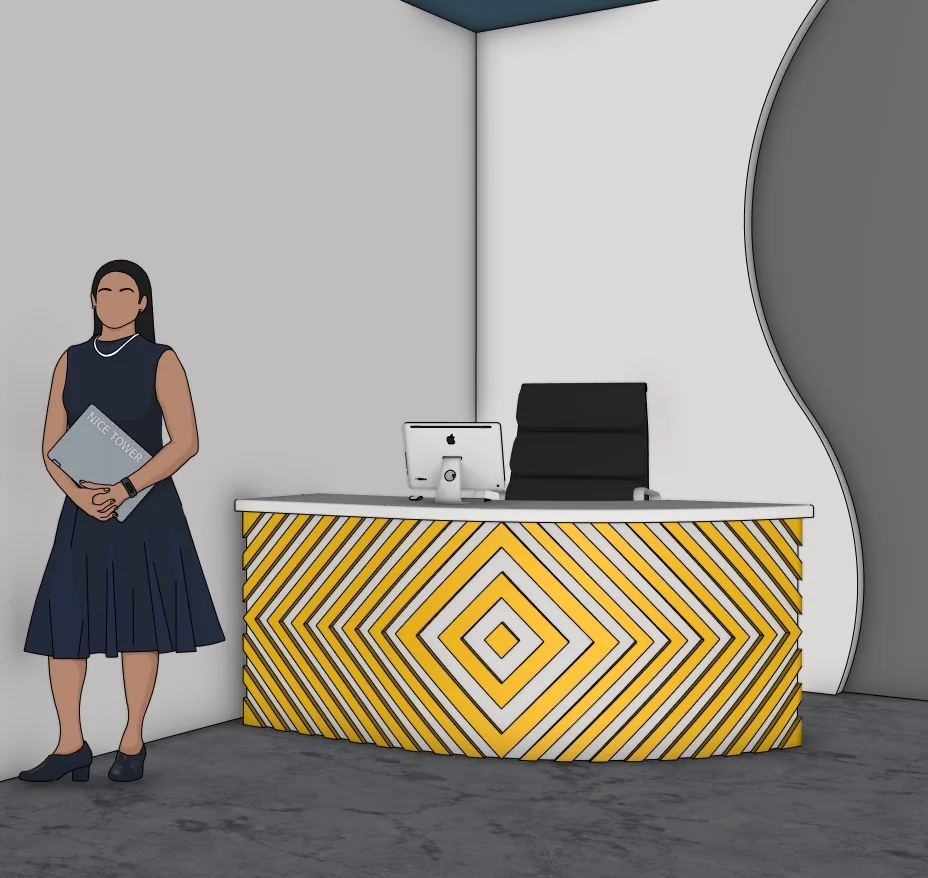
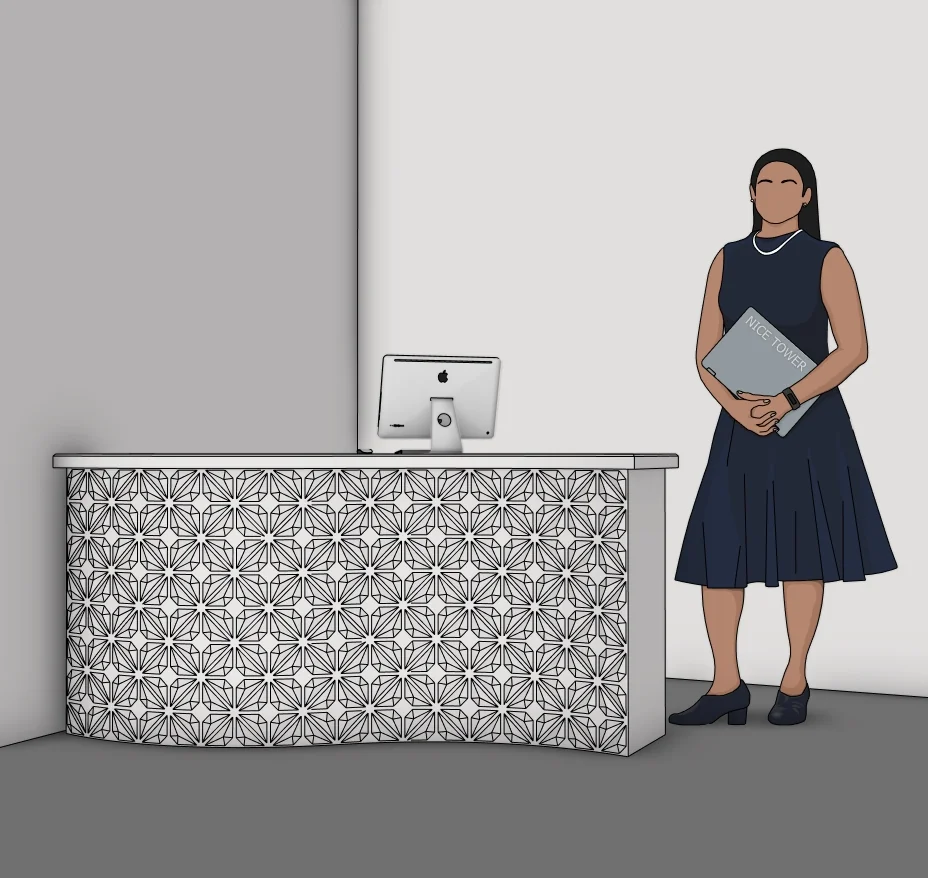
Yellow Chevron Reception Desk
Office furniture · SKP · 64.66 MiB · Matching Short
View model & download →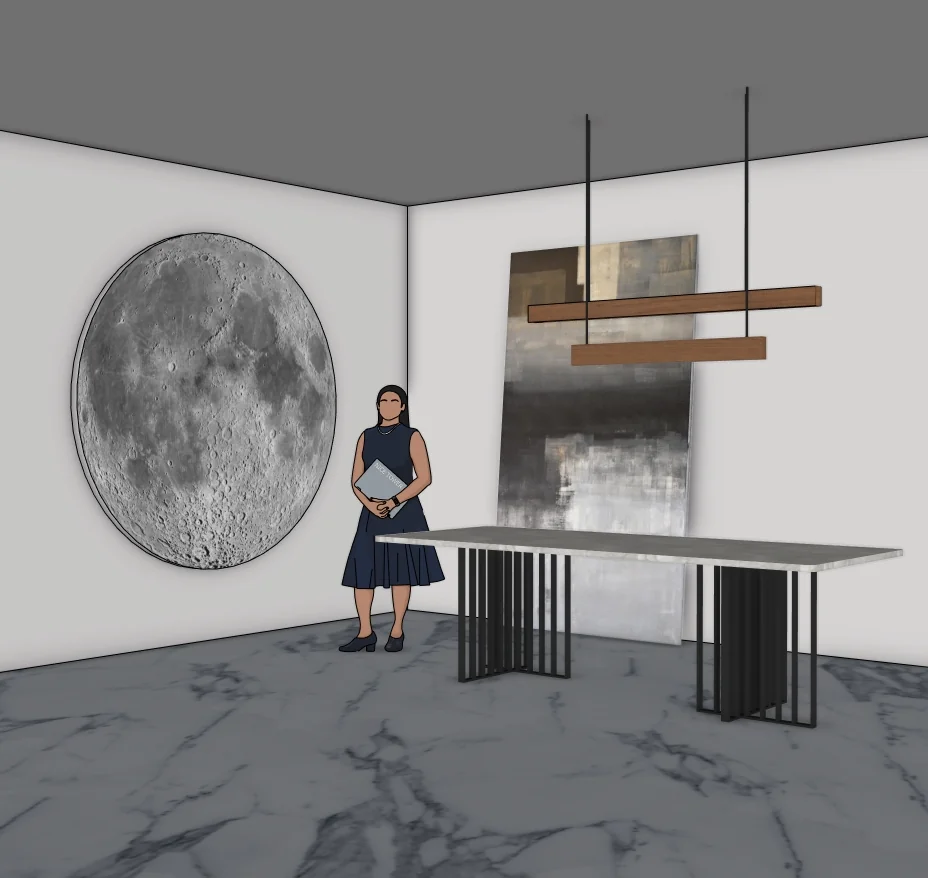
Find your next modeling subject
Bedroom models
Beds, wardrobes, desks and wall details.
Explore collection →Living room models
Storage, decorative elements and living spaces.
Explore collection →Coffee table models
Tables, bases and sculptural furniture.
Explore collection →Furniture models
Seating, dining sets and storage pieces.
Explore collection →Office models
Reception desks, workspaces and interior details.
Explore collection →Staircase models
Straight, curved and spiral stair studies.
Explore collection →Outdoor models
Pergolas, shelters, planters and canopies.
Explore collection →OPTIONAL PRACTICEChoose a model and build your own study+

Choose a model by the task you want to practise
The collections below support different exercises. For a room-layout study, start with the bedroom or living-room collection and compare the furniture footprint with your own measured room. For an object study, start with a coffee table and compare the top, supports and surrounding empty space. Use the staircase collection to study the visible form and its position between floors; a downloadable visual model is not a construction or safety specification.
A small exercise with the twisted column below
- Open the downloaded file separately and save a working copy. Check its units and overall dimensions before bringing it into a room scene.
- Place a simple rectangular column beside it as a reference. Use the same overall height when comparing the silhouettes; do not assume the source file has a particular real-world size.
- Save a front view and a view from above. Compare the outline at the base and top, and note where the twist changes the apparent width.
- Try one plain material first. Then use a patterned material on a copy and inspect how its direction changes around the form. Keep the original available for comparison.
Your useful output is a pair of comparable views and a short note about scale and surface appearance—not merely another downloaded file. If the download is inaccessible or does not match its preview, send the page URL through the Contact link in the footer. The existing model-usage policy applies to these exercises.
Browse the collection
Choose a preview, open the model link and review the file in SketchUp before adding it to your study scene.
Twisted column — SketchUp form study
SketchUp resource for personal modeling practice and educational use.
Download SketchUp model ↧View in Google Drive ↗Practical video lessons
Open the original Nice Tower lesson on YouTube. Availability and any membership requirements are shown by YouTube.
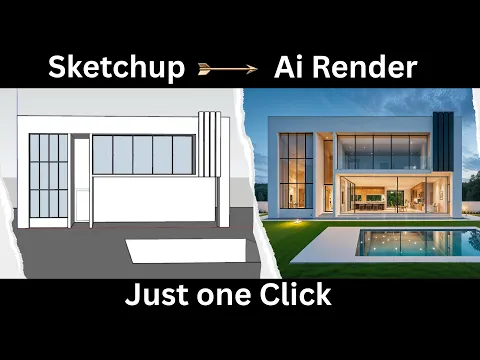
How I Used ReRender AI to Turn a SketchUp Screenshot into a Realistic Render
Watch on YouTube ↗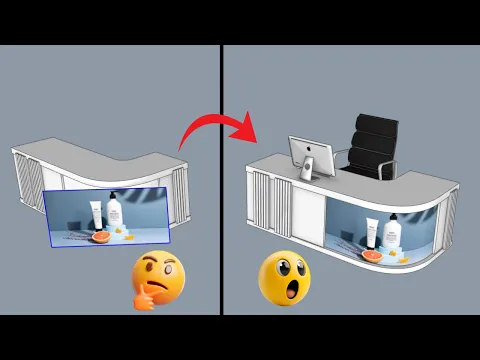
How To Put Textures On Curved Surfaces Super Easily!
Watch on YouTube ↗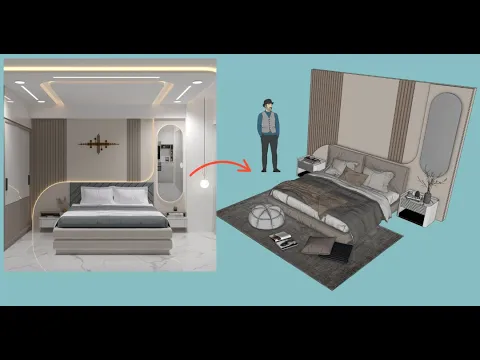
How To Make a Cool Bedroom Wall in Minutes!
Watch on YouTube ↗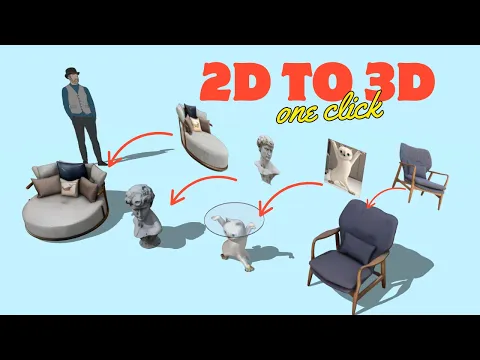
This AI Makes 3D Models From Photos So Easy!
Watch on YouTube ↗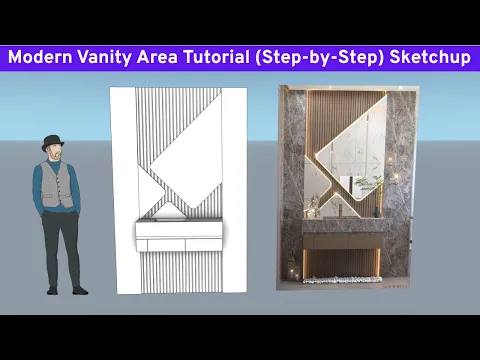
SketchUp Design: Modern Vanity Area Tutorial (Step-by-Step)
Watch on YouTube ↗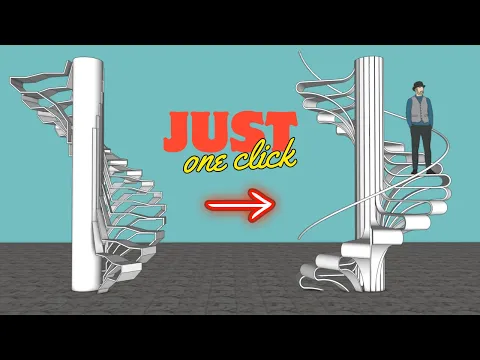
Modeling a Stylish Staircase in SketchUp: Easy Tutorial
Watch on YouTube ↗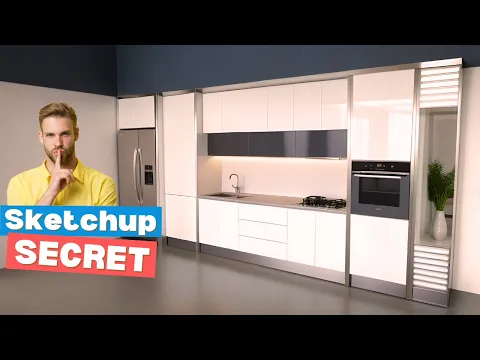
SketchUp Secret: Move ANY Kitchen Sink with Ease!
Watch on YouTube ↗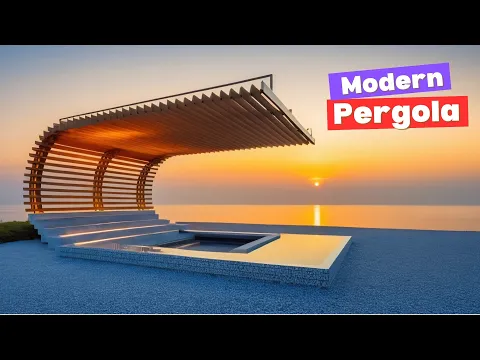
How to design a modern pergola in SketchUp like a pro
Watch on YouTube ↗