
Exterior design and outdoor SketchUp resources
Explore outdoor structures and exterior modeling lessons. Start with a pergola, shelter or landscape detail, then adapt the exercise to your own study project.
Explore model collections
Outdoor models
Pergolas, shelters, planters and canopies.
Explore collection →Practical video lessons
Open the original Nice Tower lesson on YouTube. Availability and any membership requirements are shown by YouTube.
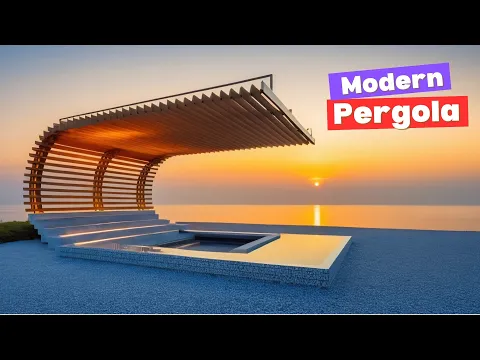
How to design a modern pergola in SketchUp like a pro
Watch on YouTube ↗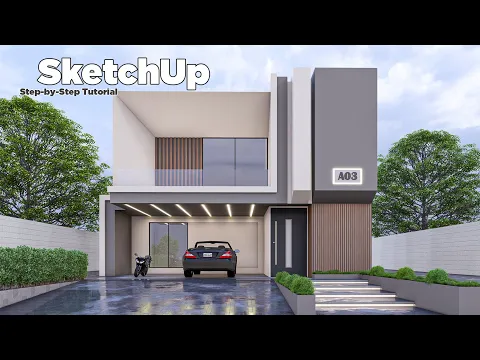
SketchUp Tutorial | Step by Step For Beginner | Modern Villa | nice tower
Watch on YouTube ↗Continue exploring
Plan an outdoor modeling exercise
Choose one clearly defined element: a pergola, shelter, planter or small seating area. Establish the ground plane and a known dimension before importing an asset. Check how the structure relates to the building, entrances and circulation paths rather than placing it only for a pleasing camera angle.
Review structure and proportions
Separate posts, beams and repeated decorative parts into manageable groups or components. Compare spacing from an overhead view, then inspect the same arrangement from eye level. A SketchUp model can demonstrate a design idea, but it does not establish structural capacity, foundation requirements or compliance with local building rules.
Develop the setting in stages
- Model the main site edges and the footprint of the structure.
- Place one outdoor asset at the correct scale and check clearances.
- Add paths and seating before planting or decorative detail.
- Save scenes that show the entrance, the overall layout and a closer material view.
Large plant collections and repeated detailed objects can make a study file difficult to navigate. Test a small number of assets first and simplify hidden details where appropriate. Keep the source file so you can return to the original geometry after experimenting.
Browse the outdoor model collection for previews, then use the video lessons to practice a related technique. Compare the result with the dimensions of your own exercise.