
FREE SKP · NICE TOWER PLUS
Floral Wall Clock SketchUp Model
Download an abstract floral wall clock form and study how a repeated loop creates a radial composition. The matching 47-second Short demonstrates SketchUp Rotate/Copy without an external plugin.
Download SKP Watch the Short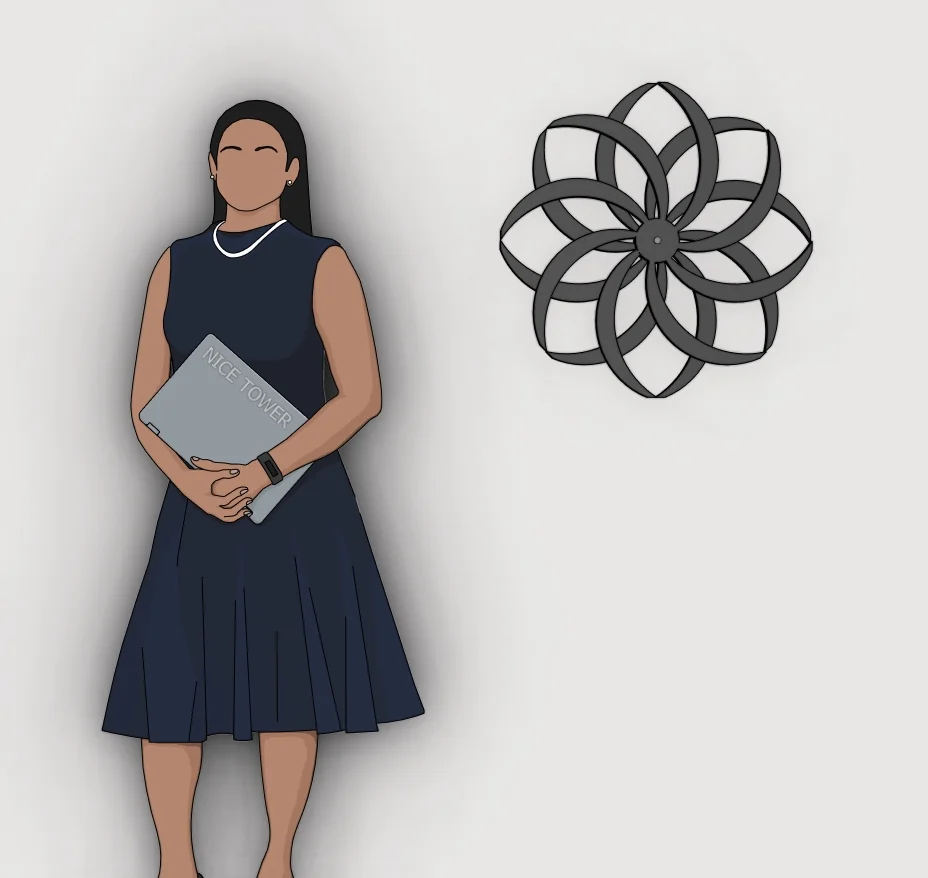
What to study in this decorative objects model
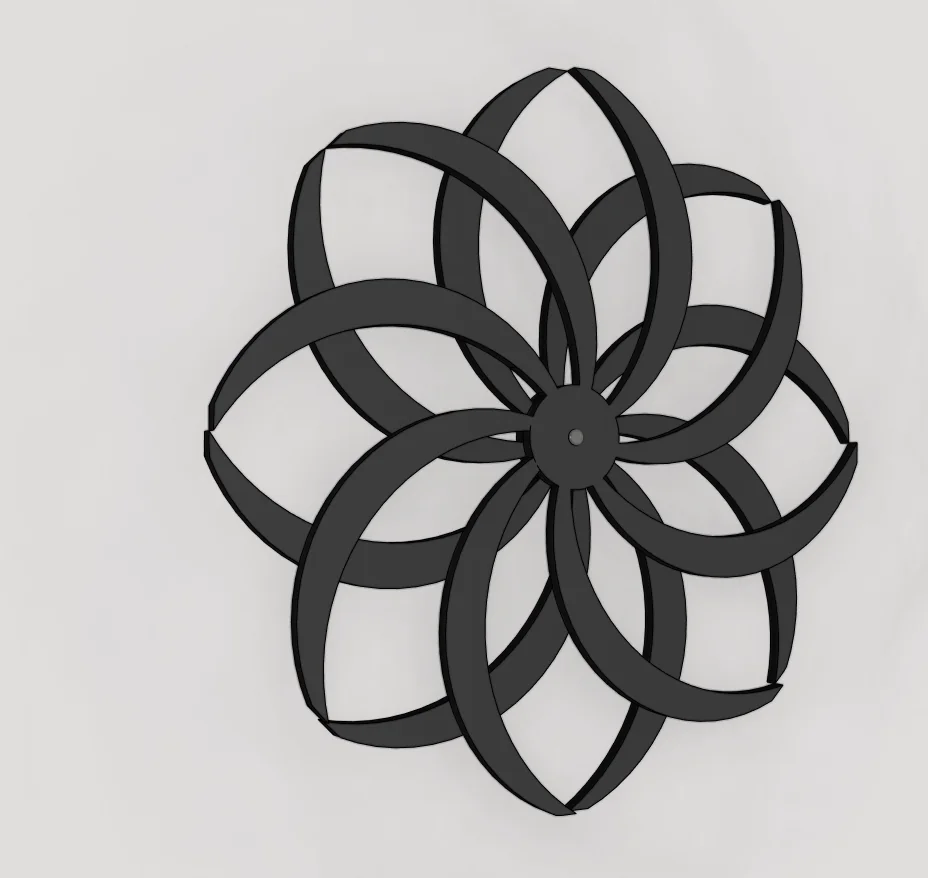
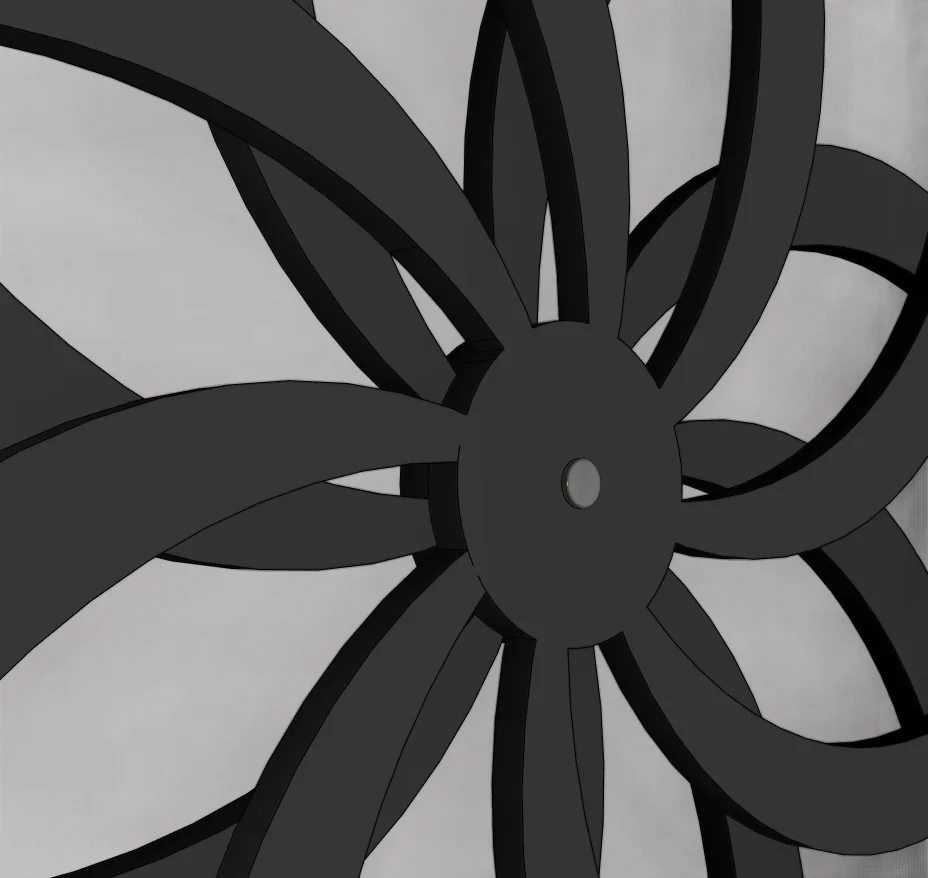
Black overlapping petal-like loops radiate around a central hub. The three previews let you compare the complete outline, an angled view and the repeated central geometry. The supplied images show a decorative clock form; they do not establish a working movement, hands or readable hour markers.
Three views of the supplied model
Select a preview to enlarge it. These are model views, not a promise of photorealistic rendered output.
Use the model for a focused SketchUp study
The following exercises are suggestions for inspecting the download, rather than a claim that every step appears in the Short.
1. Find the center of repetition
Compare several neighbouring loops and identify their common center. Keeping the rotation point fixed is essential when practising a similar array.
2. Compare spacing and overlap
Look at both the outside silhouette and the overlaps near the hub. Equal angular steps can still produce crowded intersections if the starting shape is too wide.
3. Try a variation separately
On a copy of the model, practise a simpler radial pattern before changing the supplied geometry. Compare the result front-on and obliquely to check depth and visual balance.
For the underlying tool behavior, see Official Rotate and array guidance.
Watch the matching Nice Tower Short
Nice Tower’s Short begins with a simple element and repeats it around a center using Rotate/Copy. The useful lesson is consistent rotation and alignment: a small change in the source form influences the whole radial pattern.
Download file specifications
| File | Modern Abstract Floral Wall Clock 3D Model-v_2018.skp |
|---|---|
| Format and size | .skp · 60,917,212 bytes (58.10 MiB) |
| SketchUp format | Saved in SketchUp 2018 format; verified file header 18.0.1. Use a compatible desktop SketchUp version to inspect the model. |
| Category | Decorative objects |
| Included previews | Three model views. The images show the supplied design; inspect the SKP for its editable geometry. |
| Intended use | Personal modeling practice and educational study; not construction documentation. |
| Availability | Free public Google Drive download; no site registration required. Google Drive may display a download confirmation for large files. |
Questions about this download
Does this file include a functional clock mechanism?
No working mechanism is verified. Use the file as decorative geometry and a Rotate/Copy study; the previews do not show mechanical or electrical specifications.
How should I open and inspect the SKP?
Download the file, keep an untouched original and open a copy in a compatible desktop SketchUp installation. Inspect the model scale and component structure before adapting it to your own scene. A SketchUp file is not a substitute for project-specific measurements.
Is registration required, and what use is permitted?
No Nice Tower Plus registration is required for this public download. Use it for personal modeling practice and educational study under our model use policy. The download does not establish construction or manufacturing suitability.
Download the Floral Wall Clock SketchUp Model
Modern Abstract Floral Wall Clock 3D Model-v_2018.skp · 58.10 MiB · SketchUp 2018 format
Download free SKP Open file in Google DriveContinue with related models and tools
For longer guided learning, explore Nice Tower SketchUp courses. For additional modeling tools, see NT Plugins. These are separate resources, not requirements verified for this download.