
Vanity Table SketchUp Model & Tutorial
Use this free vanity table SketchUp model to practise cabinet divisions, repeated drawer components, side shelving and a framed mirror. Five actual views and the matching Nice Tower lesson connect the finished dressing table to the decisions used to model it.
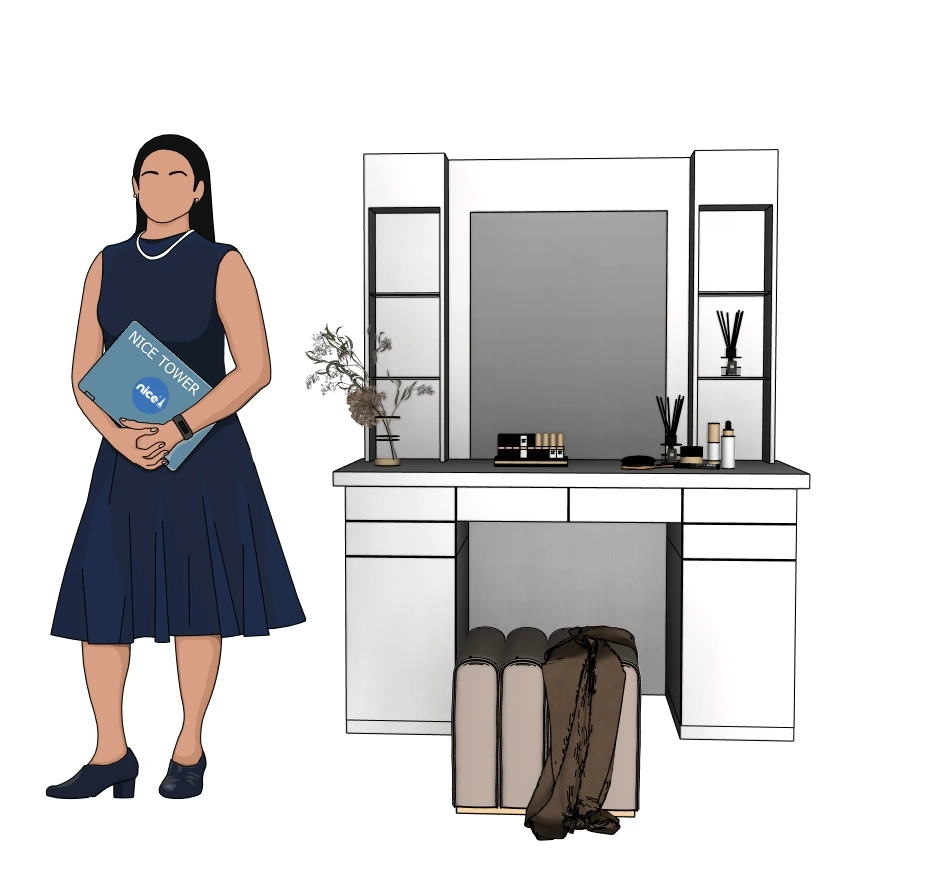
What this model helps you study
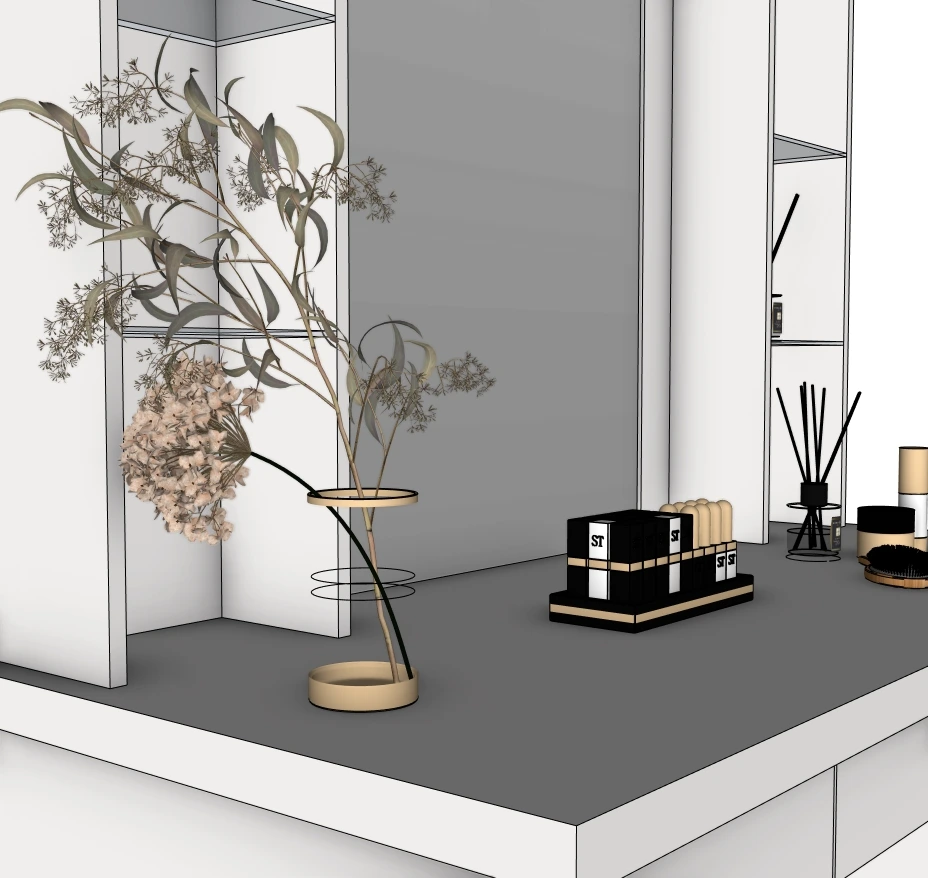
The dressing-table composition has a wide central mirror, a long tabletop, storage at each side and narrow open shelves flanking the mirror. The supplied views also show a stool and decorative objects. The most useful modeling lesson is the relationship between repeated cabinet fronts and the larger furniture assembly: shared components make a repeated detail easier to revise, while the outer cabinet can remain a separate object.
This resource pairs the finished model with Nice Tower’s original lesson. The workflow below is based on the tutorial’s published chapters and available captions. Practice suggestions are identified separately so you can distinguish the demonstrated sequence from a new exercise.
Five views of the actual SketchUp model
Inspect the overall shape and close details before downloading. Select any preview to enlarge it; press Escape or Close to return.
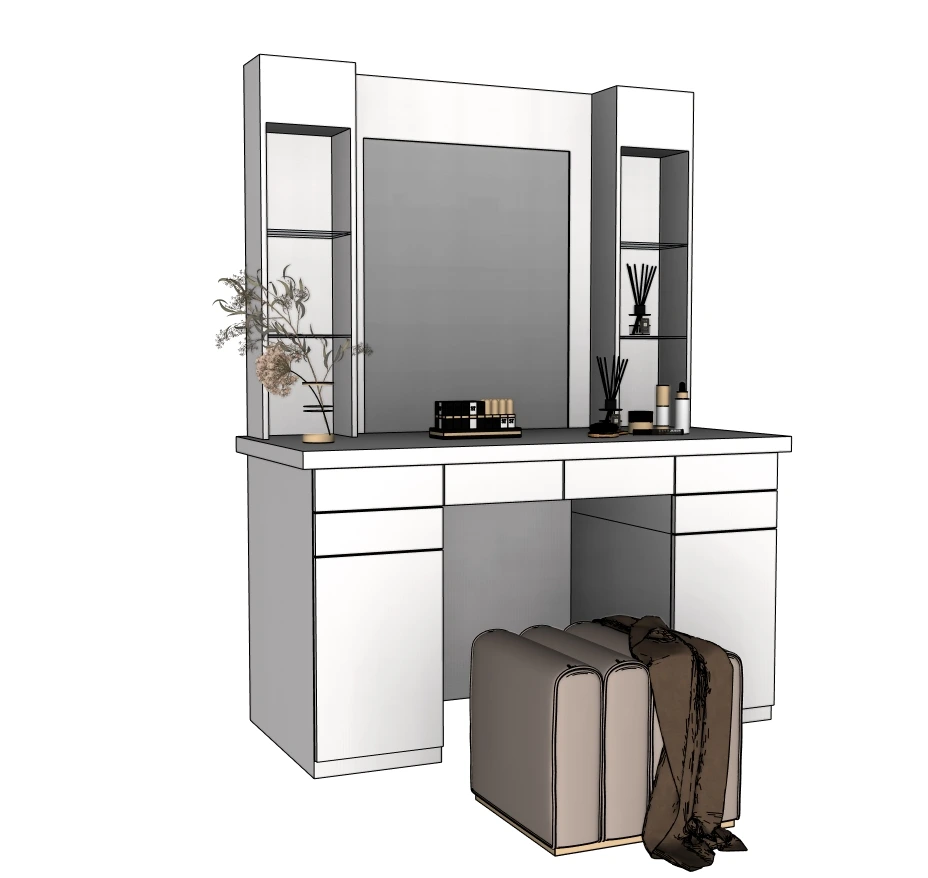
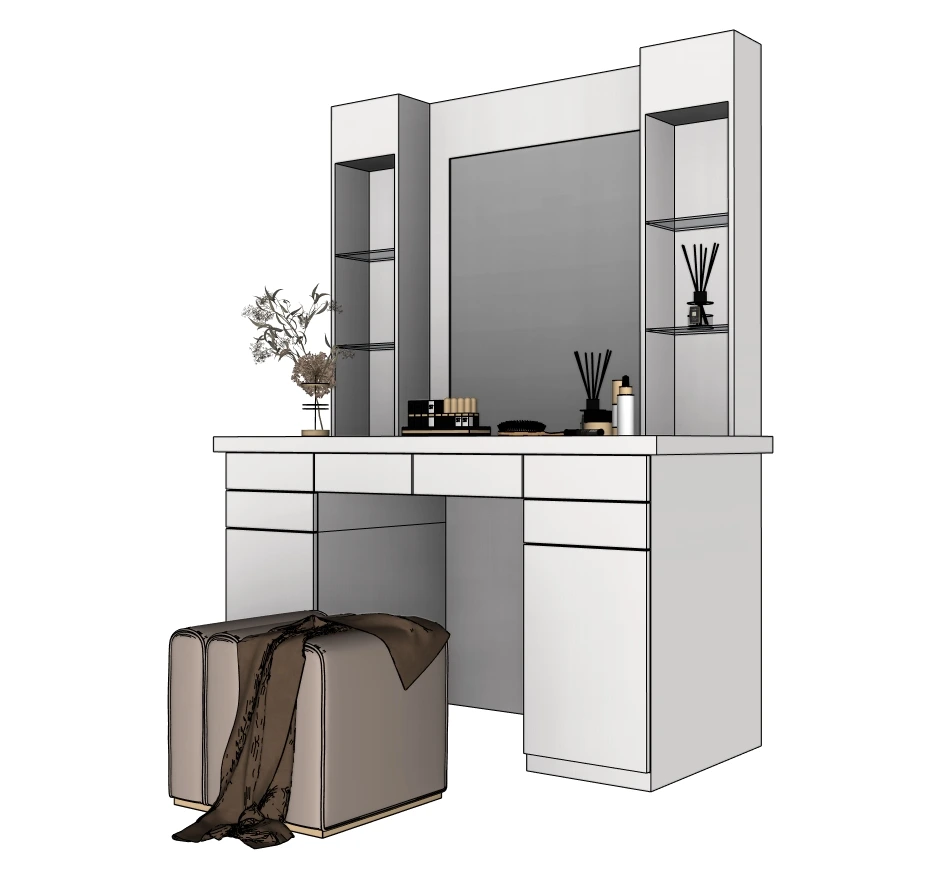
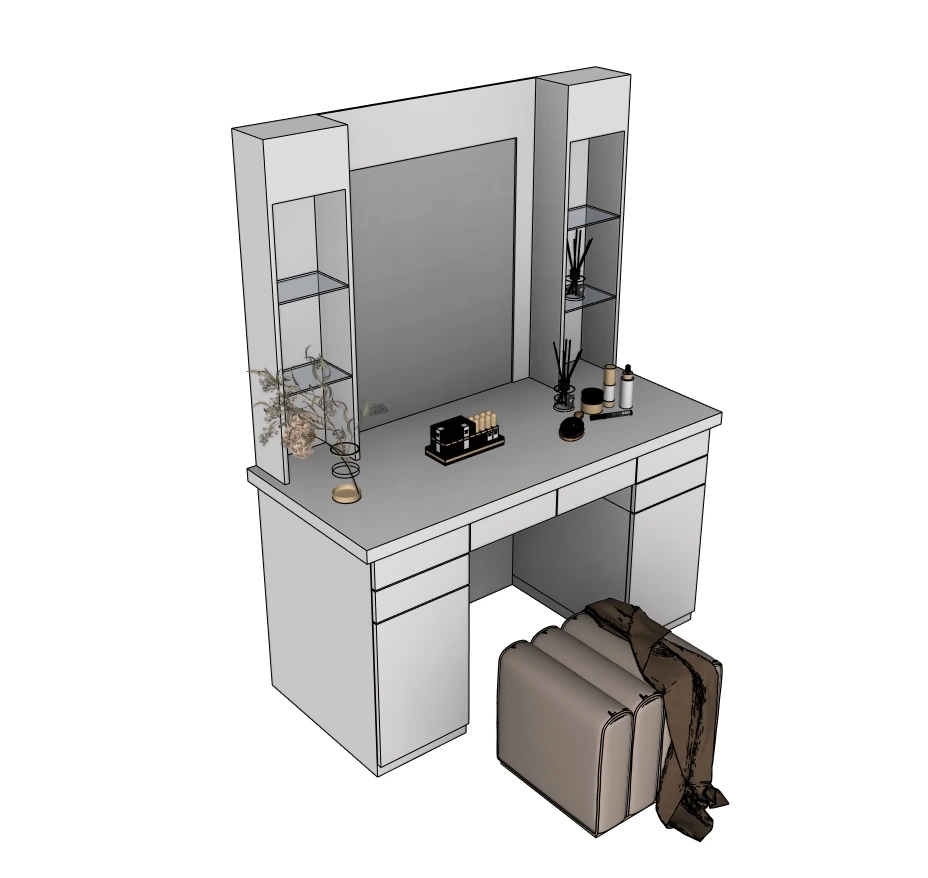
How we modeled it in SketchUp
Follow these stages alongside the original video. Save your own working copy before making changes to the download.
1. Establish the cabinet volume
Begin with the main rectangular face, group it and work inside that group before extruding the cabinet. The video starts with a 126 by 75 cm rectangle and then extrudes its volume; treat those as lesson setup values rather than a fabrication specification. Separate the tabletop from the cabinet divisions before adding small details.
Watch this stage at 0:16 ↗2. Divide storage and create shared drawer fronts
Copy the dividing edges with Move and use an array to repeat them. Offset the intended fronts and make those faces into components before repeating them. In the lesson, changing one repeated component updates its related instances. This is the important distinction to test: separate groups isolate geometry, while instances of one component share a definition.
Watch this stage at 1:41 ↗3. Build the side shelf assembly
Create the shelf outline, turn it into a component and work inside it. Offset its frame, adjust the opening with Scale and then give the parts depth with Push/Pull. Keep the shelf frame separate from the cabinet so a change to the vertical assembly does not pull the main tabletop out of alignment.
Watch this stage at 4:08 ↗4. Add glass and mirror the shelf arrangement
Apply a glass material to the shelf inserts and use Flip with a copy to place the matching arrangement on the opposite side. Inspect both sides from an oblique view; a symmetric elevation can hide an insert that sits in the wrong plane.
Watch this stage at 5:14 ↗5. Frame the mirror and inspect the finished furniture
Draw and group the mirror rectangle, offset its border and form the frame and mirror surface with shallow extrusions. Apply the mirror material, then add the decorative objects used in the final presentation. Compare the model without those accessories first so the cabinet and shelf proportions remain clear.
Watch this stage at 5:58 ↗Watch the original Nice Tower tutorial
Verified file details
| File | Vanity Table-v_2018.skp |
|---|---|
| Format and size | .skp · 86,906,745 bytes (86.91 MB) |
| SketchUp version | Saved in SketchUp 2018 format (18.0.1 file header). Nice Tower confirms compatibility with SketchUp 2018 and later. |
| Category | Furniture & dressing tables |
| Tutorial tools | Rectangle, Push/Pull, Offset, Move/Copy arrays, Scale, Flip, groups and components; material application |
| Intended use | Personal modeling practice and educational study; not construction documentation. |
| Availability | Free public Google Drive download; no site registration required. Large files may show Google Drive’s download confirmation. |
Practice with this model
- Change one drawer-front component in a working copy and observe which other fronts update. Use Make Unique only when you intentionally want one instance to differ.
- Compare the height and depth of the shelves with the mirror frame from a side view. The frontal screenshot alone does not reveal how far these pieces project.
- Use a plain material during proportion checks, then restore the glass and mirror materials. A reflective finish should not conceal misaligned edges.
Keep an unchanged source copy and a clearly named practice version. Compare revisions from the same camera position so a viewpoint change does not hide a geometry problem.
Continue your SketchUp learning
For guided training beyond this exercise, explore Nice Tower’s online SketchUp courses. For additional utilities, browse NT Plugins. If your next step is an AI-assisted presentation, read the SUAPP AI guide before choosing a workflow. These are optional resources, not requirements for the free file.
Continue with SketchUp video lessons or the SketchUp workflow guide.
Questions about this model
Is this a bathroom vanity?
This file is a dressing or makeup table with mirror and side shelves. For a bathroom scene with sanitary fixtures, choose the separate bathroom model.
What is the main component exercise?
The tutorial repeats drawer-front components and demonstrates an edit propagating to their related instances. Use a saved practice copy to explore that relationship.
Are the stool and accessories guaranteed as separate components?
They are visible in the provided previews. Their internal grouping has not been independently certified, so inspect the file before planning a component library.
Can I use it in a commercial project?
The current Nice Tower Plus policy covers personal and educational use. Obtain separate permission for commercial use or redistribution.
Which SketchUp versions can open this file?
The file is saved in the 2018 format, and Nice Tower confirms it opens in SketchUp 2018 and later. Browser-based and subscription editions can have their own import limitations; check your edition before downloading.
Download the SketchUp file
Vanity Table-v_2018.skp · 86.91 MB · SketchUp 2018+
Explore more SketchUp models
For a room-scale storage exercise, explore the bathroom model with vanity storage. Compare the cabinet organization with the kitchen cabinet tutorial and model.