
FREE SKP · NICE TOWER PLUS
Curved Slat Bedroom SketchUp Model
Study a bedroom composition with a curved wooden slat feature behind the bed. Download the SketchUp file, inspect three views and watch the matching 59-second Nice Tower Short featuring 1001bit Tools.
Download SKP Watch the Short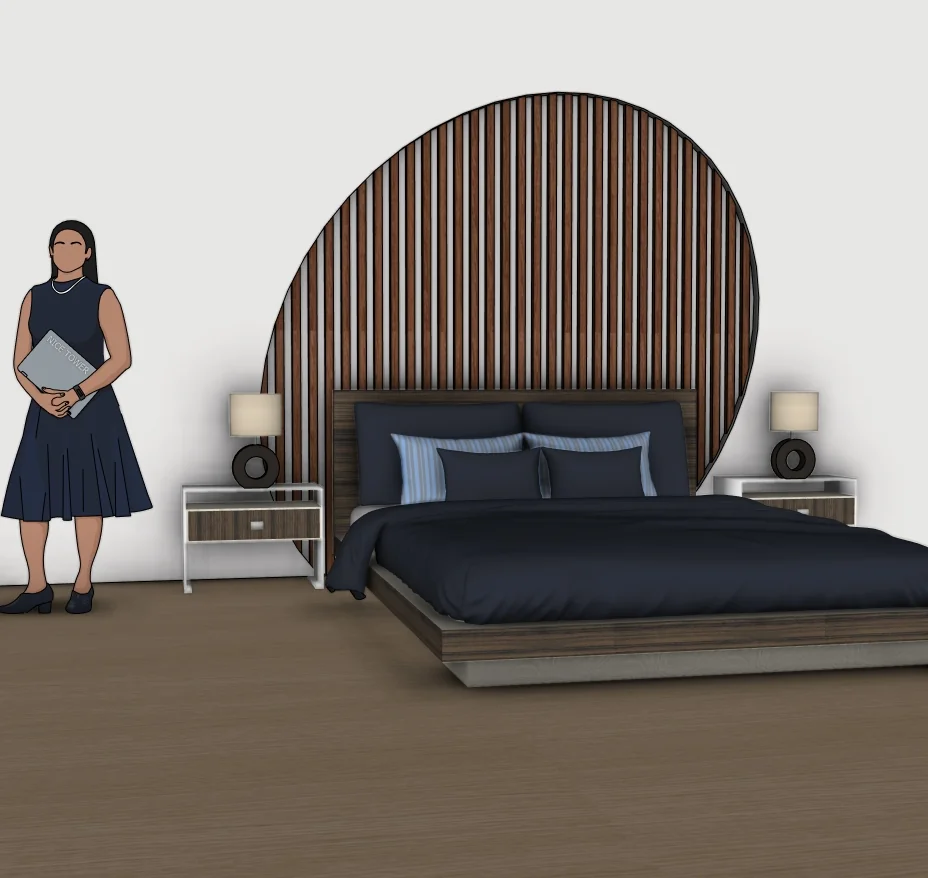
What to study in this bedroom interiors model
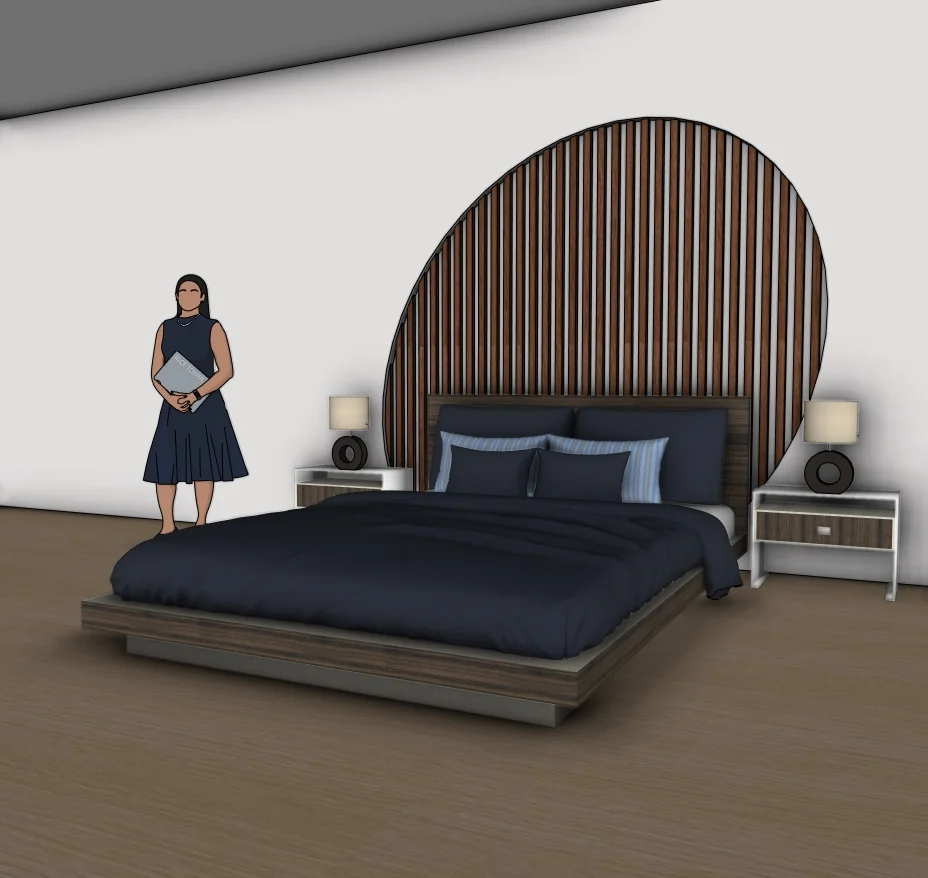
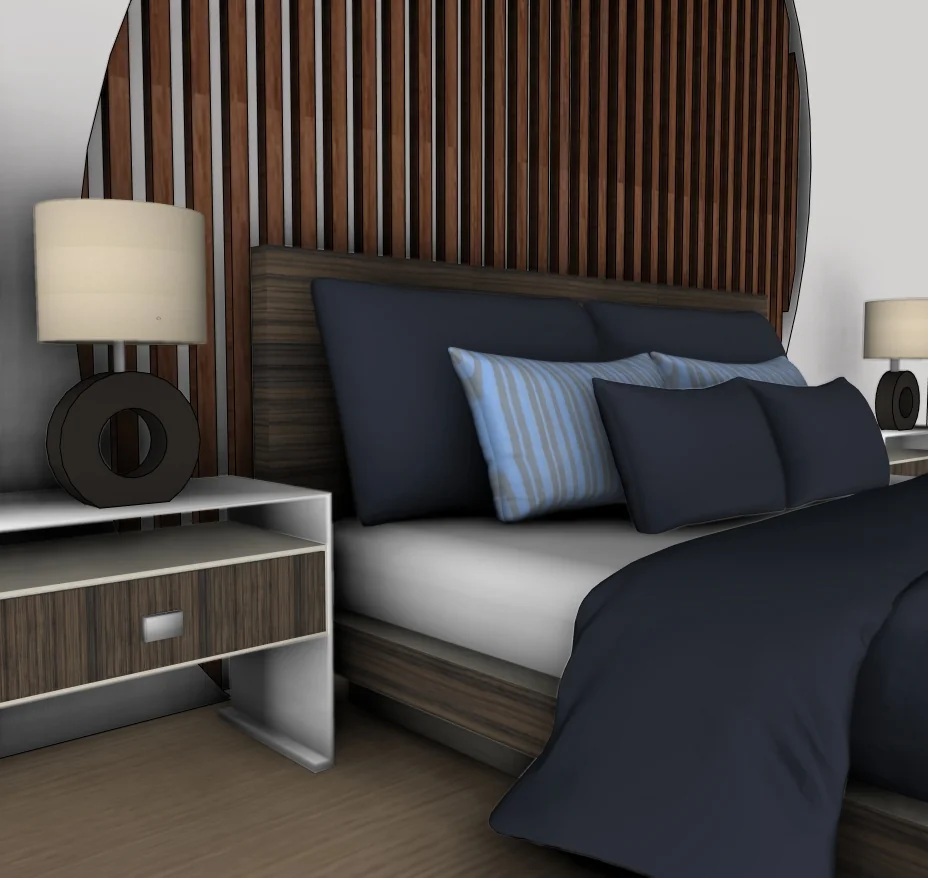
The scene combines a dark upholstered headboard, blue and gray bedding, bedside cabinets and lamps. The tall wooden slat backdrop is the defining feature: its curved outline changes the wall composition without relying on a plain rectangular panel. The angled view helps separate the bed, headboard and slat feature visually.
Three views of the supplied model
Select a preview to enlarge it. These are model views, not a promise of photorealistic rendered output.
Use the model for a focused SketchUp study
The following exercises are suggestions for inspecting the download, rather than a claim that every step appears in the Short.
1. Read the curved boundary
Compare the highest and lowest parts of the slat feature with the headboard. Its outline should remain intentional when viewed from the doorway as well as straight-on.
2. Check repetition against furniture
Study slat spacing behind the bed and bedside pieces. Repetition should support the main composition rather than produce distracting narrow fragments at the edges.
3. Evaluate the room as a scene
On a duplicate file, try a restrained material or camera variation. Keep the bed and lamps as reference objects when judging the size of the feature wall.
For the underlying tool behavior, see Scaling and measurement in SketchUp.
Watch the matching Nice Tower Short
The matching Short identifies 1001bit Tools for the curved headboard feature-wall workflow. It is a brief demonstration of the feature, not a documented walkthrough of every object in the room. Do not assume the download requires the extension simply to view its saved geometry.
Download file specifications
| File | Modern Bedroom Design with Curved Wooden Slat Accent Wall-v_2018.skp |
|---|---|
| Format and size | .skp · 60,032,601 bytes (57.25 MiB) |
| SketchUp format | Saved in SketchUp 2018 format; verified file header 18.0.1. Use a compatible desktop SketchUp version to inspect the model. |
| Category | Bedroom interiors |
| Included previews | Three model views. The images show the supplied design; inspect the SKP for its editable geometry. |
| Intended use | Personal modeling practice and educational study; not construction documentation. |
| Availability | Free public Google Drive download; no site registration required. Google Drive may display a download confirmation for large files. |
Questions about this download
Does the Short teach the entire bedroom?
The matched Short focuses on the curved feature-wall workflow with 1001bit Tools. It is not a complete room-by-room modeling course.
How should I open and inspect the SKP?
Download the file, keep an untouched original and open a copy in a compatible desktop SketchUp installation. Inspect the model scale and component structure before adapting it to your own scene. A SketchUp file is not a substitute for project-specific measurements.
Is registration required, and what use is permitted?
No Nice Tower Plus registration is required for this public download. Use it for personal modeling practice and educational study under our model use policy. The download does not establish construction or manufacturing suitability.
Download the Curved Slat Bedroom SketchUp Model
Modern Bedroom Design with Curved Wooden Slat Accent Wall-v_2018.skp · 57.25 MiB · SketchUp 2018 format
Download free SKP Open file in Google DriveContinue with related models and tools
For longer guided learning, explore Nice Tower SketchUp courses. For additional modeling tools, see NT Plugins. These are separate resources, not requirements verified for this download.